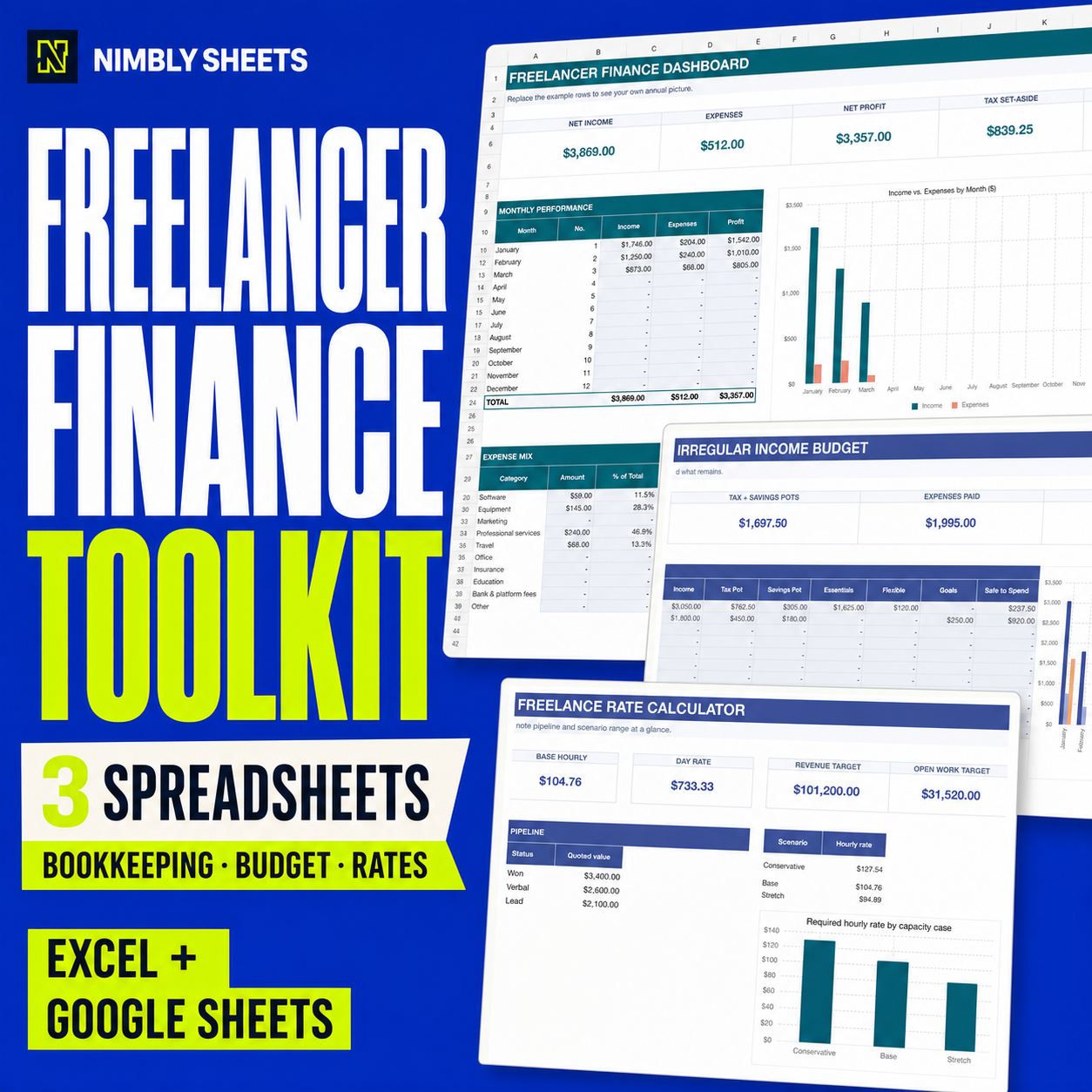
Freelancer Finance Toolkit
Three workbooks for pricing, bookkeeping and irregular-income planning in one download.
ENGLISH TEMPLATE CATALOGUE
Start with the toolkit or compare the tables, formulas and limitations of each workbook. Every offer has its own explanation, real workbook images and a direct purchase path.
Compare the files, recorded inputs, calculations and current purchase links without a personal recommendation.
Compare the templatesENGLISH CATALOGUE
No subscription, no macros and no locked features. Buy once and edit your own copy.
Three workbooks for pricing, bookkeeping and irregular-income planning in one download.
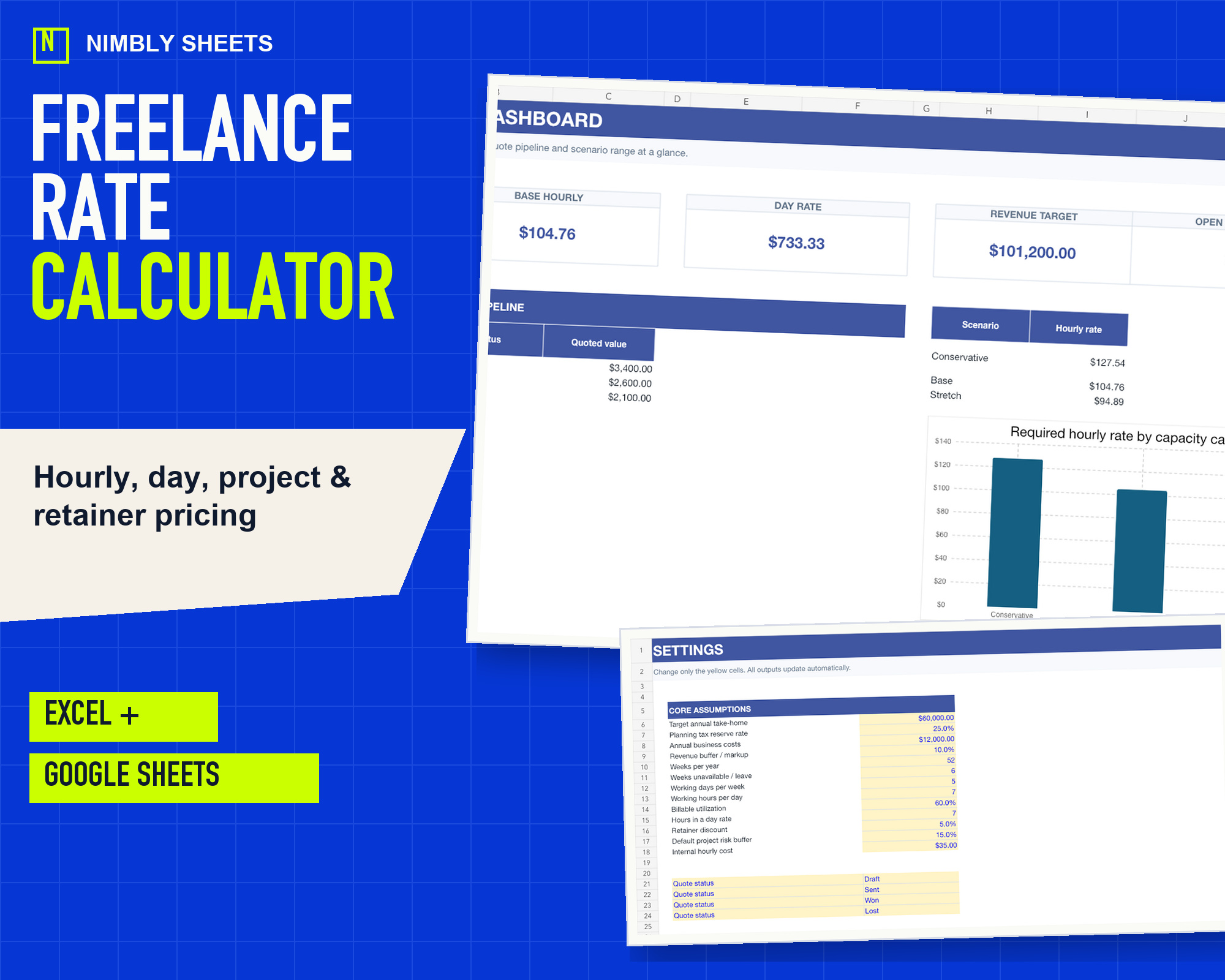
Model hourly, day, project and retainer references from costs, capacity and margin assumptions.
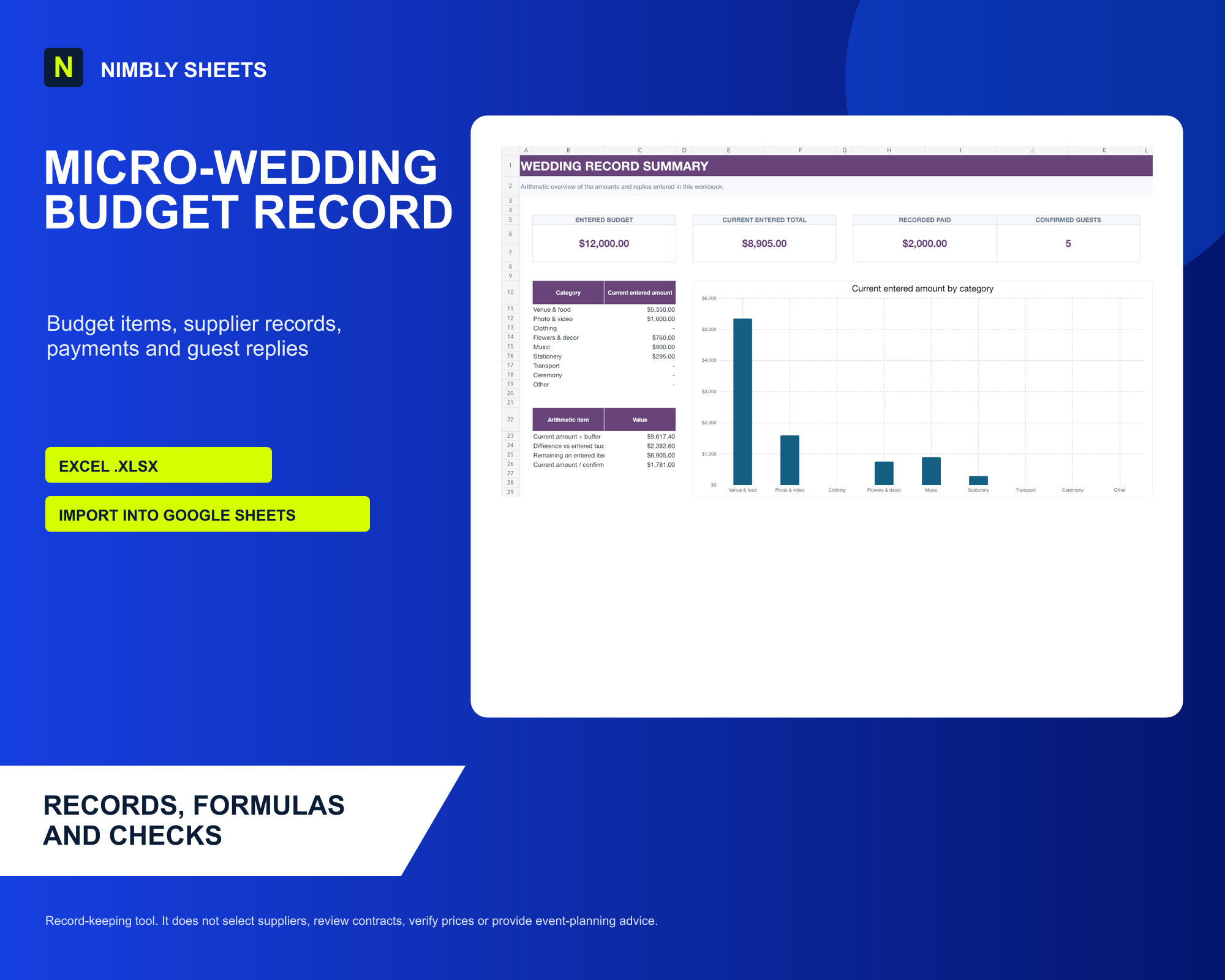
Record budget items, suppliers, payments and guest replies in one connected workbook.
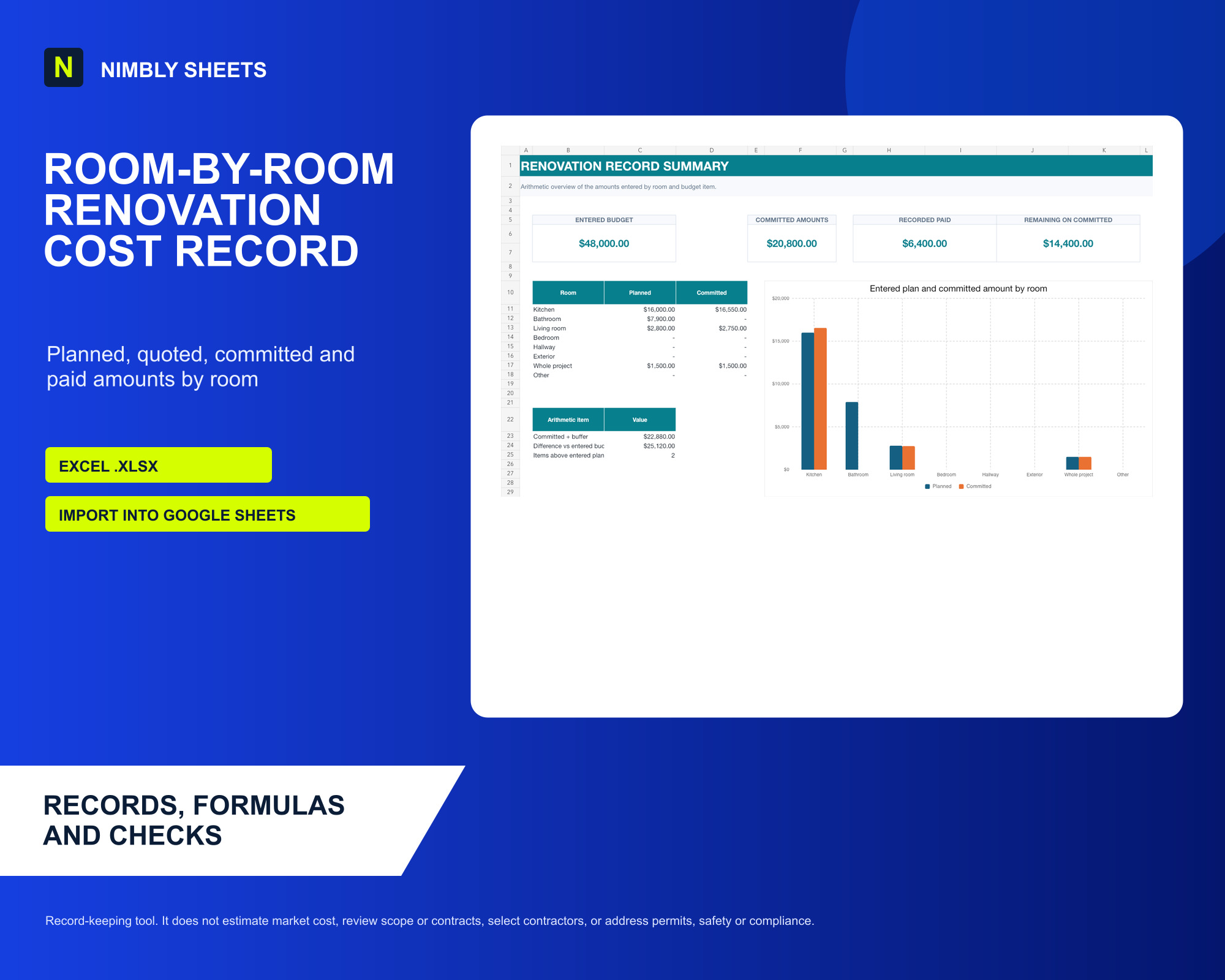
Record planned, quoted, committed and paid renovation amounts by room and category.
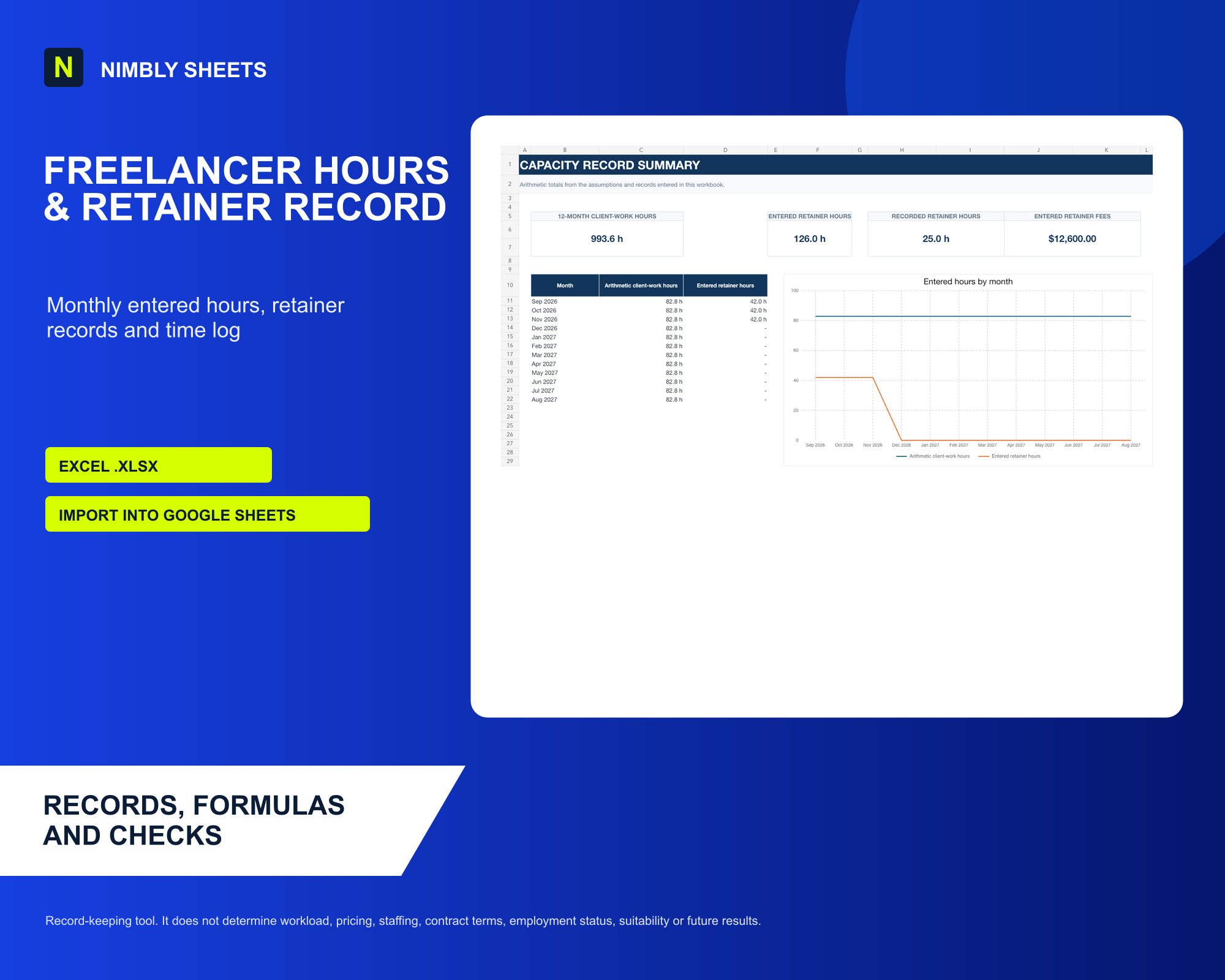
Record clients, retainers, monthly entered hours and a dated time log in one workbook.
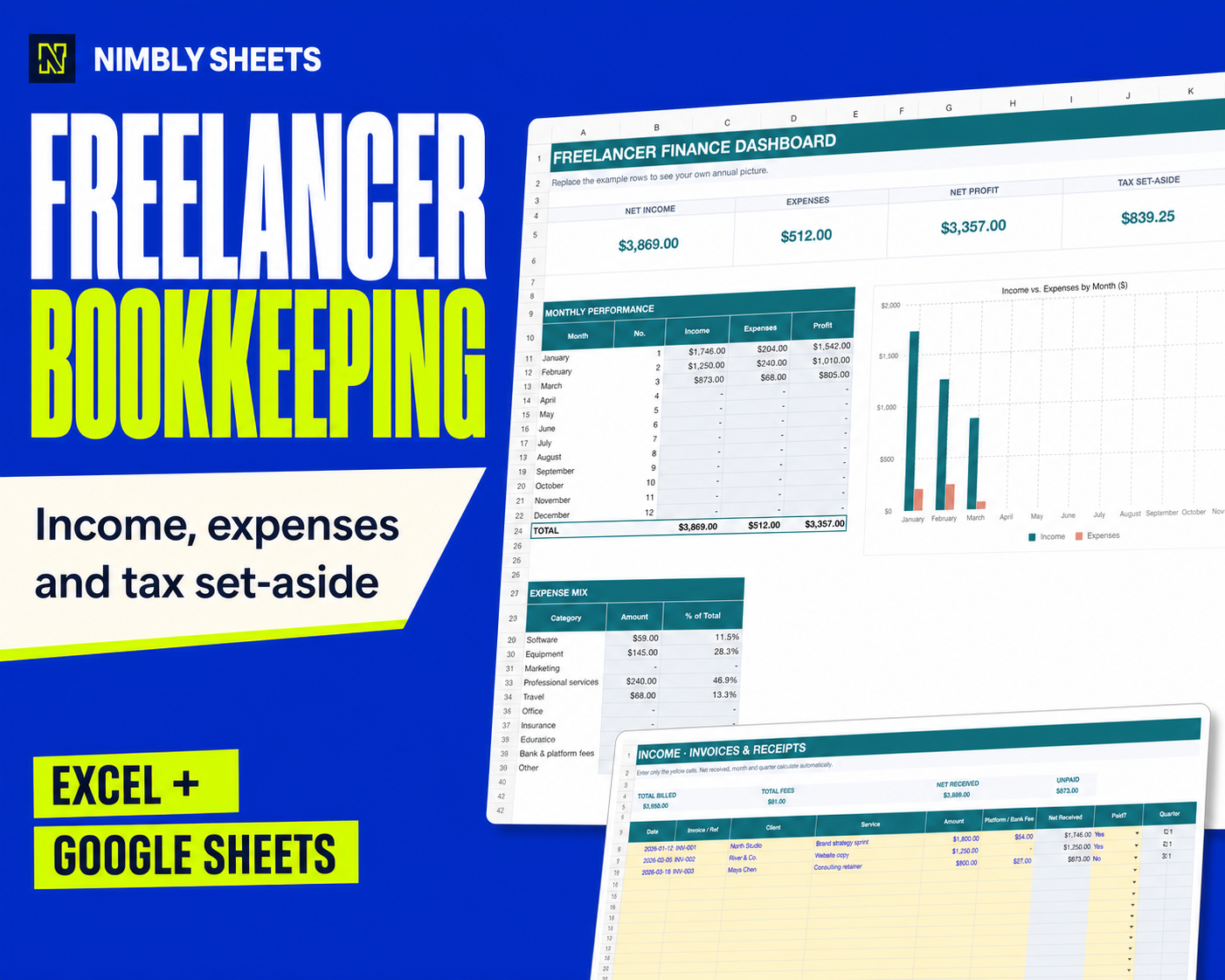
Income, expenses, quarterly planning checks and an annual profit dashboard.
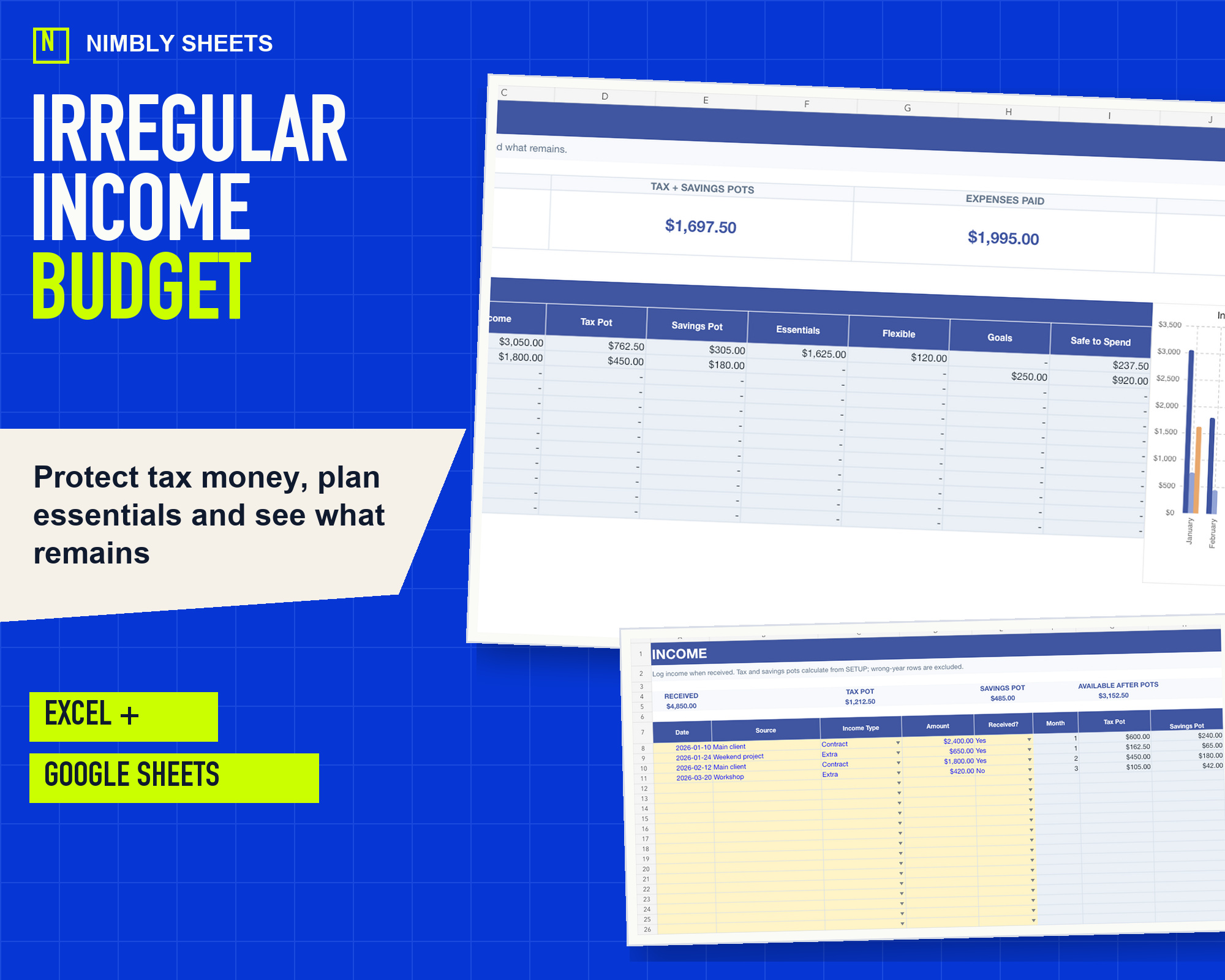
Model uneven months with editable tax, savings and remaining-balance allocations kept separate.
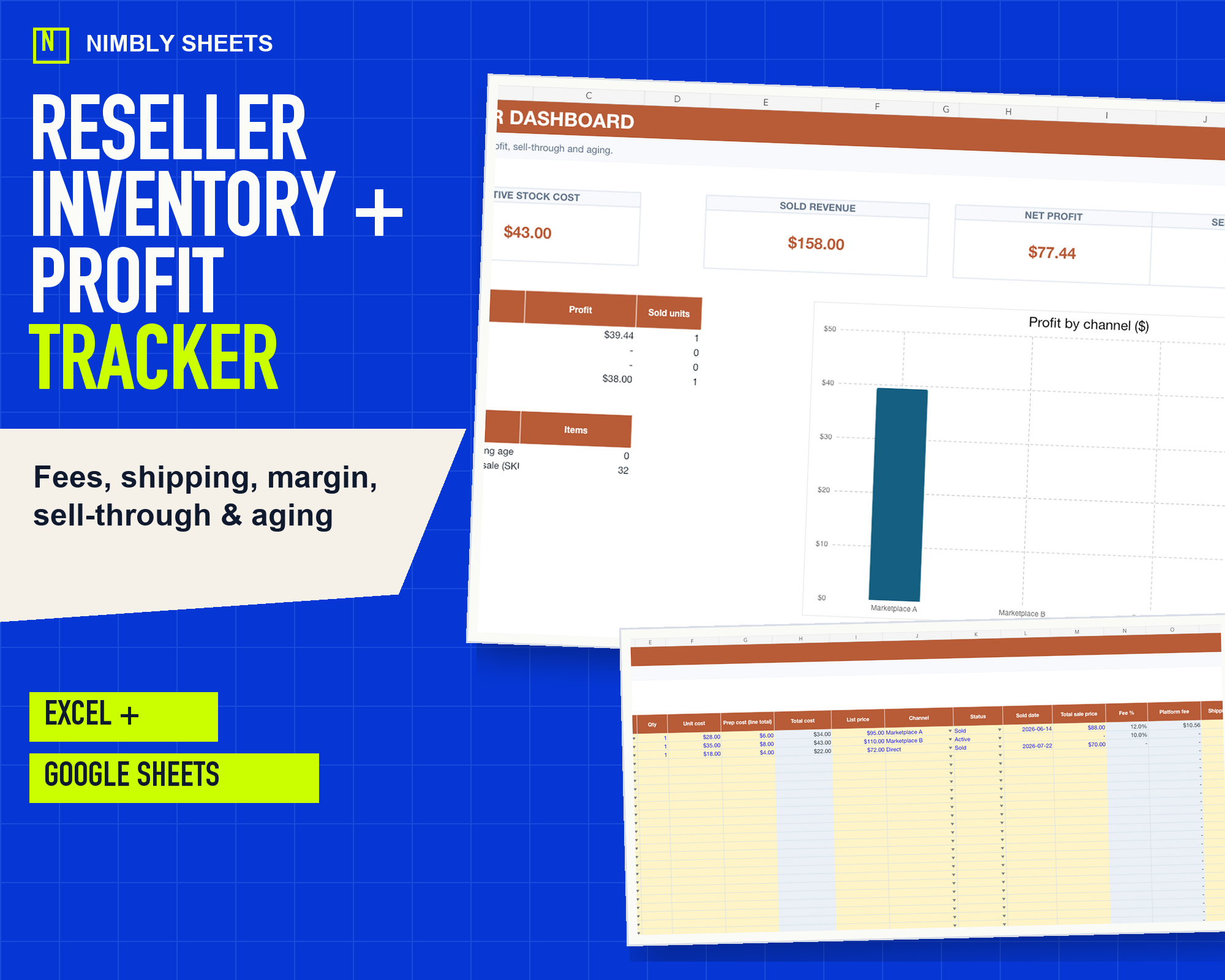
Track stock, fees, shipping, sell-through and internally calculated item results across marketplaces.
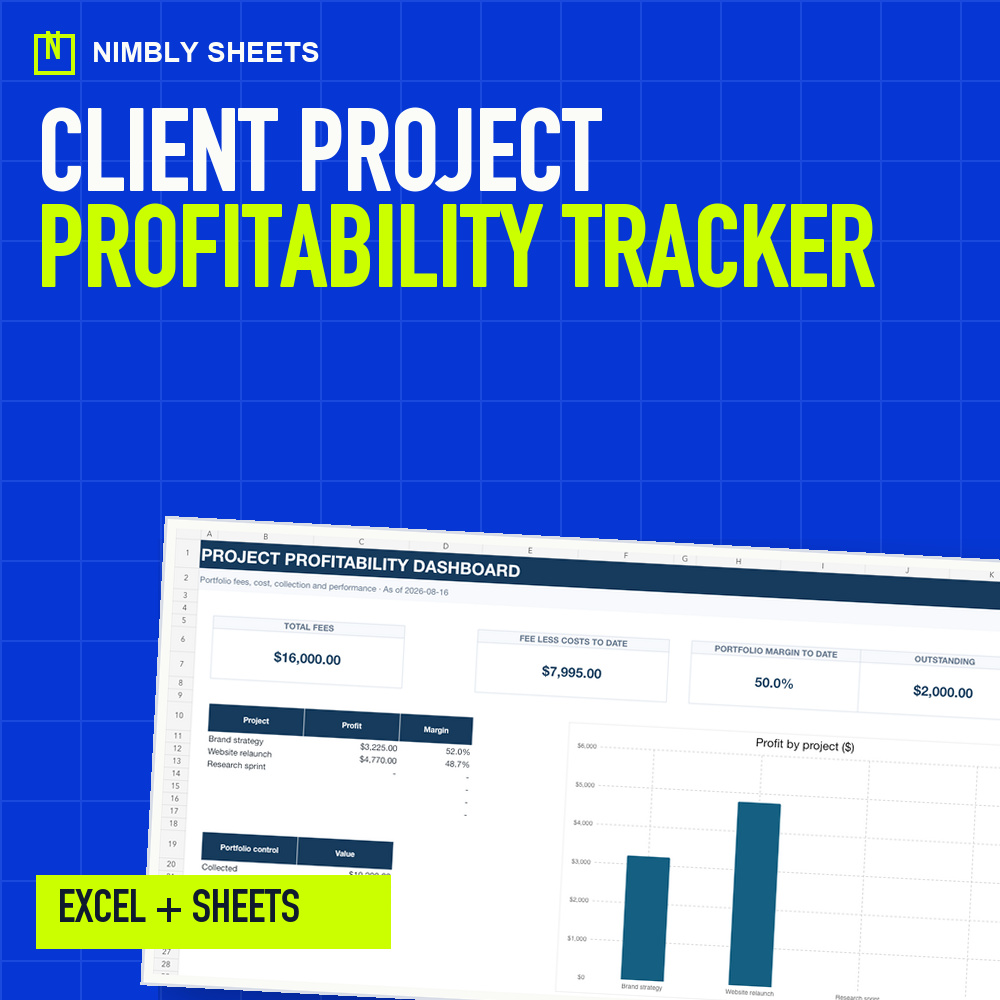
Connect fees, time and direct expenses to see project profit, margin and outstanding fees.
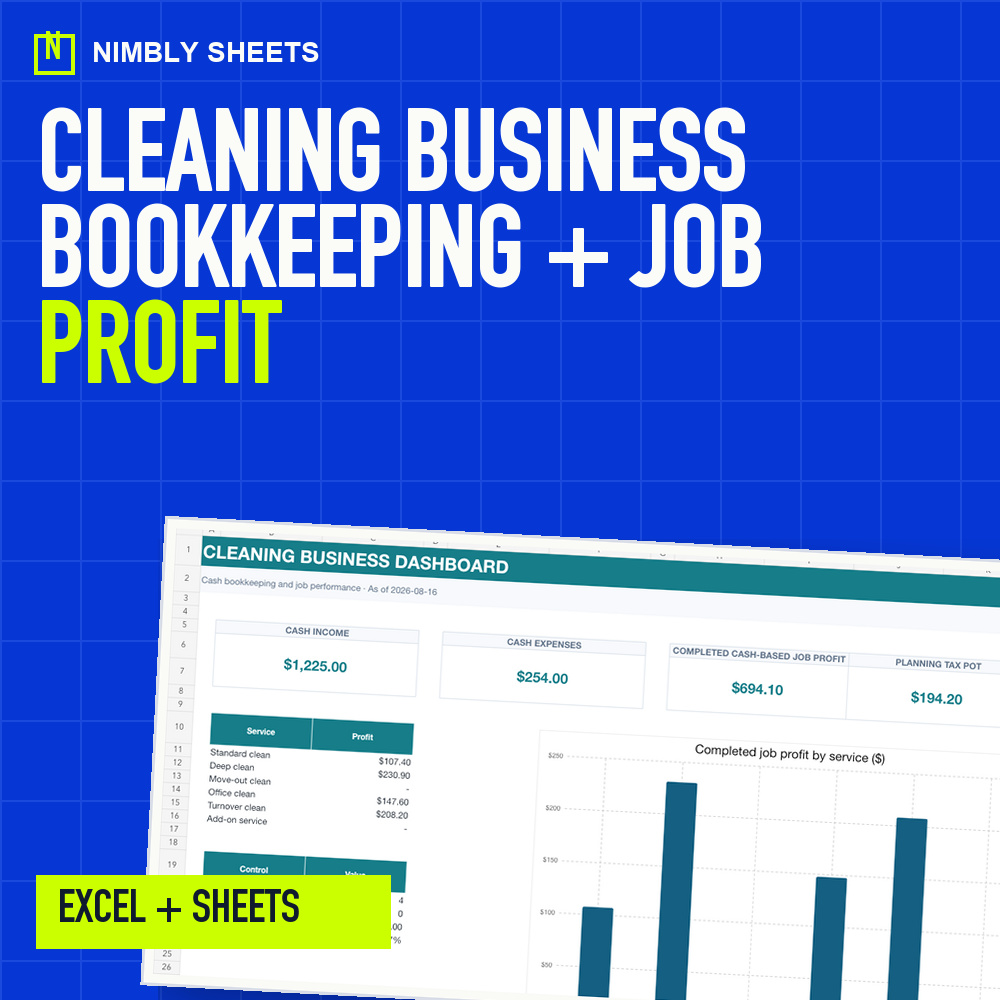
Track jobs, cash income, expenses, mileage, labor cost and completed-job profitability.
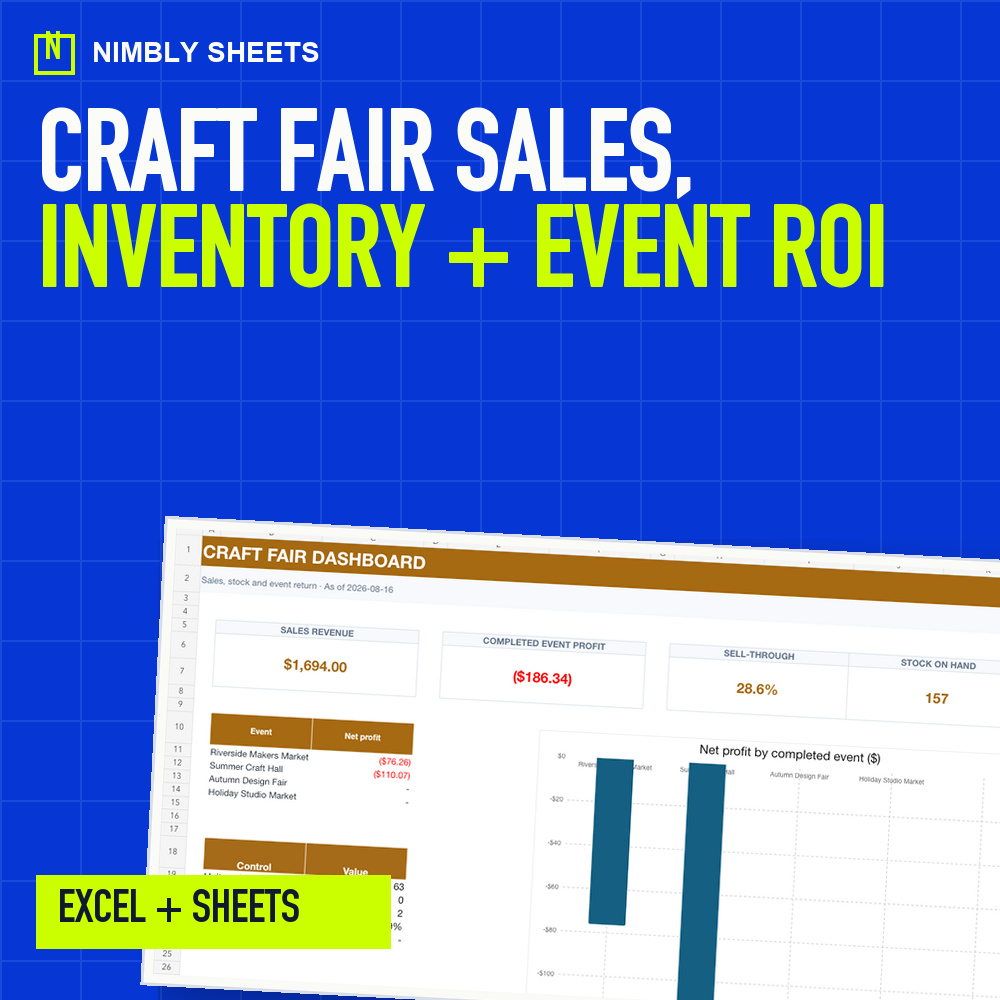
Compare booth costs, sales, stock, fees, COGS, event profit and completed-event ROI.
REAL PRODUCT PROOF
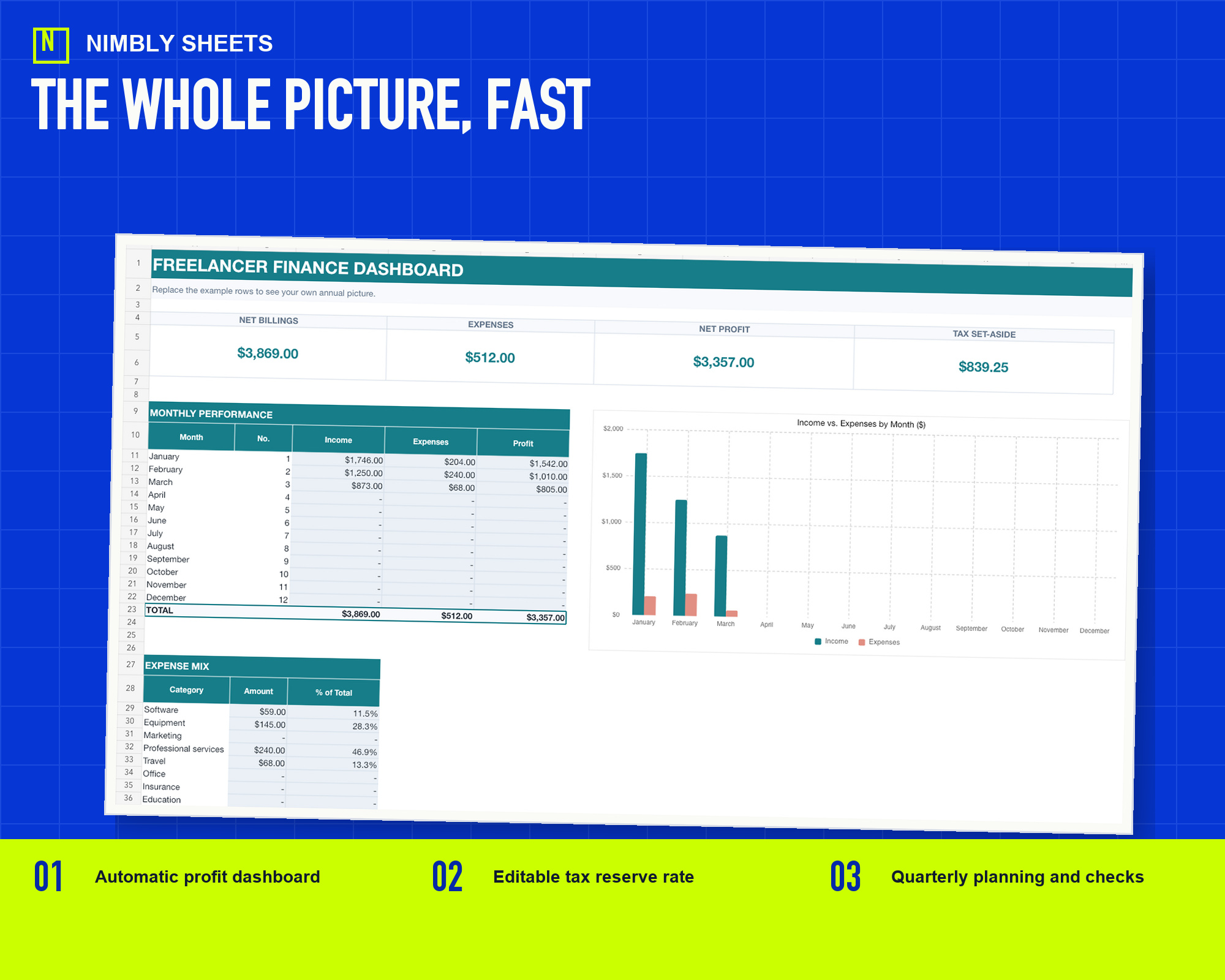
Add income and expense rows, then review net billings, profit, tax set-aside and monthly performance in one annual view. Built-in checks flag incomplete rows and reporting-year problems.
ONE SYSTEM, THREE RECORD TYPES
Combine costs, billable capacity and target margin in an editable reference.
Keep income, fees and expenses organized with built-in checks.
Separate editable tax and savings allocations before viewing the remaining plan balance.
FREE TOOLS
Nine free workbooks, calculators and browser tools turn entered values into general arithmetic or provide a starter file before purchase.
See all free Excel templatesIncluded hours, dated time entries, remaining arithmetic, browser storage and local CSV export.
Track free ↗02Free Excel workbook with 50 income rows, 100 expense rows, arithmetic summaries and structural checks.
Download free ↗03Costs, target income, billable hours and margin.
Calculate free ↗04Income, expenses and editable reserve, savings and remaining-balance scenarios.
Calculate free ↗05Fee, labor cost, expenses, profit and project margin.
Calculate free ↗06Labor, supplies, travel, profit and margin per job.
Calculate free ↗07COGS, event costs, sell-through, profit and ROI.
Calculate free ↗08Entered sale proceeds, fee base, marketplace rate, item cost and shipping.
Calculate free ↗09Six entered income amounts, monthly costs, annual costs and another allocation.
Calculate free ↗10Entered budget, contracted amounts, payments, changes and guest counts.
Calculate free ↗11Entered plan, quote total, commitments, approved changes and payments.
Calculate free ↗12Entered working time, non-client hours, retainer hours and other client work.
Calculate free ↗FREE PRACTICAL GUIDES
Clear methods and checklists for organizing the work before buying anything.
A practical method for recording freelance income, business expenses, fees, tax set-asides and monthly profit in one workbook.
Read the guide02Build a traceable freelance invoice and payment tracker in Excel, separate billed, received and outstanding amounts, and download a free workbook.
Read the guide03Build a variable-income planning scenario around cash received, entered expenses, editable tax and savings allocations, sinking funds and the remaining balance.
Read the guide04Estimate a freelance rate reference from target income, business costs, time off, billable capacity, utilization and margin assumptions.
Read the guide05Track SKU-level stock, purchase costs, marketplace fees, shipping, net revenue, margin, days held and sell-through.
Read the guide06Connect pricing, bookkeeping and irregular-income planning without mixing quotes, recorded transactions and cash allocation.
Read the guide07Connect project fees, internal labor cost and direct expenses to calculate profit, margin, budget variance and outstanding fees.
Read the guide08Connect job revenue, labor, supplies, mileage, payment fees and cash expenses to see which completed cleaning services produce margin.
Read the guide09Calculate event profit after COGS, booth fees, travel, lodging and payment fees, then compare sell-through and ROI across markets.
Read the guide10Build a micro-wedding budget spreadsheet with separate budget items, supplier records, payments and guest replies, plus visible arithmetic checks.
Read the guide11Structure a room-by-room renovation budget spreadsheet with separate plan, quote, commitment and payment records linked by internal item IDs.
Read the guide12Build a freelancer retainer hours tracker with client, retainer and dated time records, plus editable capacity scenarios and monthly arithmetic checks.
Read the guideBEFORE YOU BUY
No. Tax figures are planning estimates only. The spreadsheets do not replace professional tax, legal or accounting advice and do not file returns.
Yes. You receive the Excel workbook plus a short import guide. Minor visual differences may appear after importing.
No. Input cells are differentiated, example rows are included and every workbook contains specific instructions.
A personal or single-business license. Resale, sharing and redistribution are not permitted.
The policy allows refund requests for 14 days through Gumroad. Mandatory consumer rights remain unaffected.
Instant download and secure delivery through Gumroad.
Browse all templates