FEES, TIME, EXPENSES AND MARGIN
Client Project Profitability Tracker
Compare internally calculated project margins before preparing the next quote.
Connect entered project fees, team time and direct expenses to estimate labor cost, total cost, profit and margin to date.
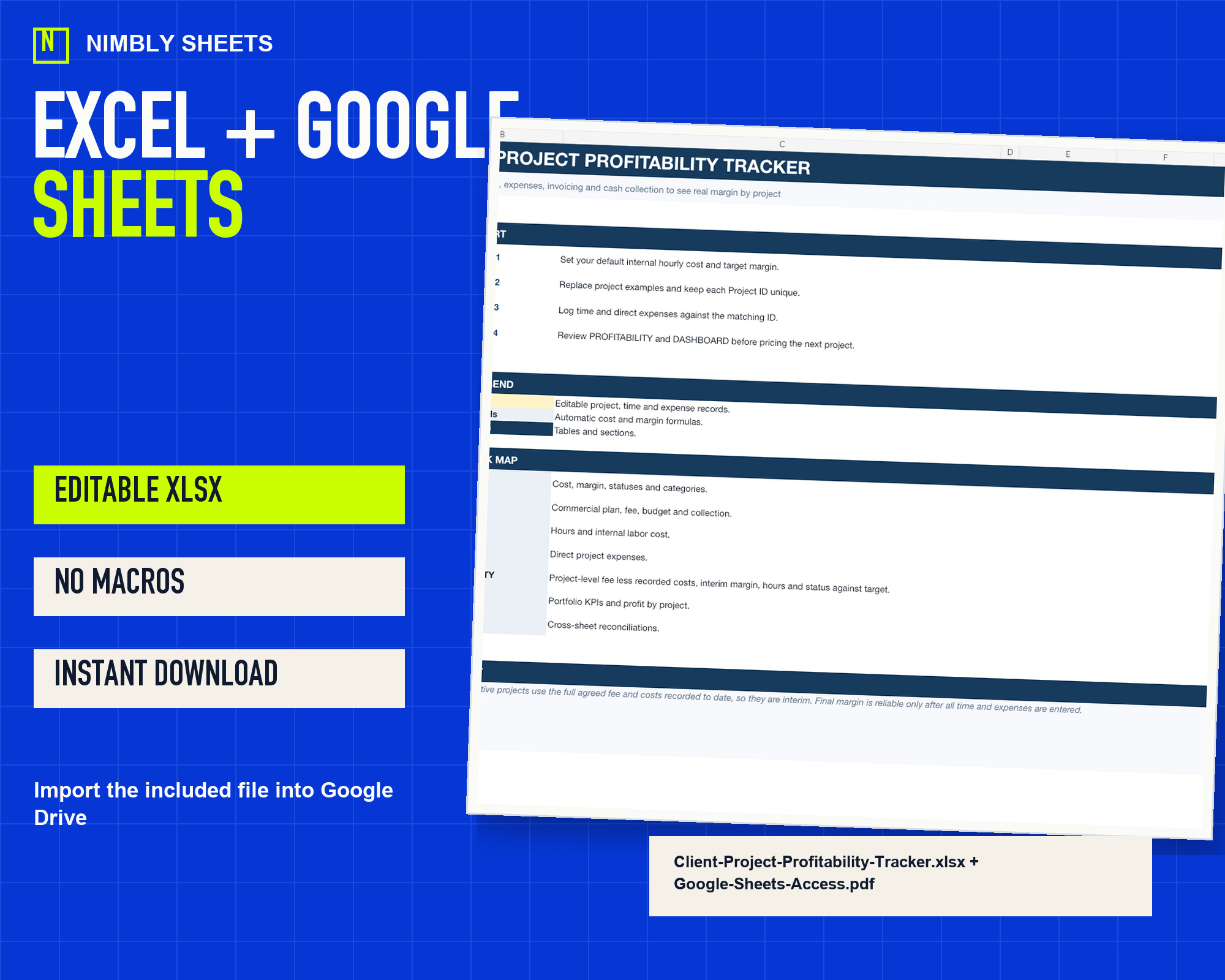
- Excel + Google Sheets
- Macro-free
- Instant download
- 14-day refund policy
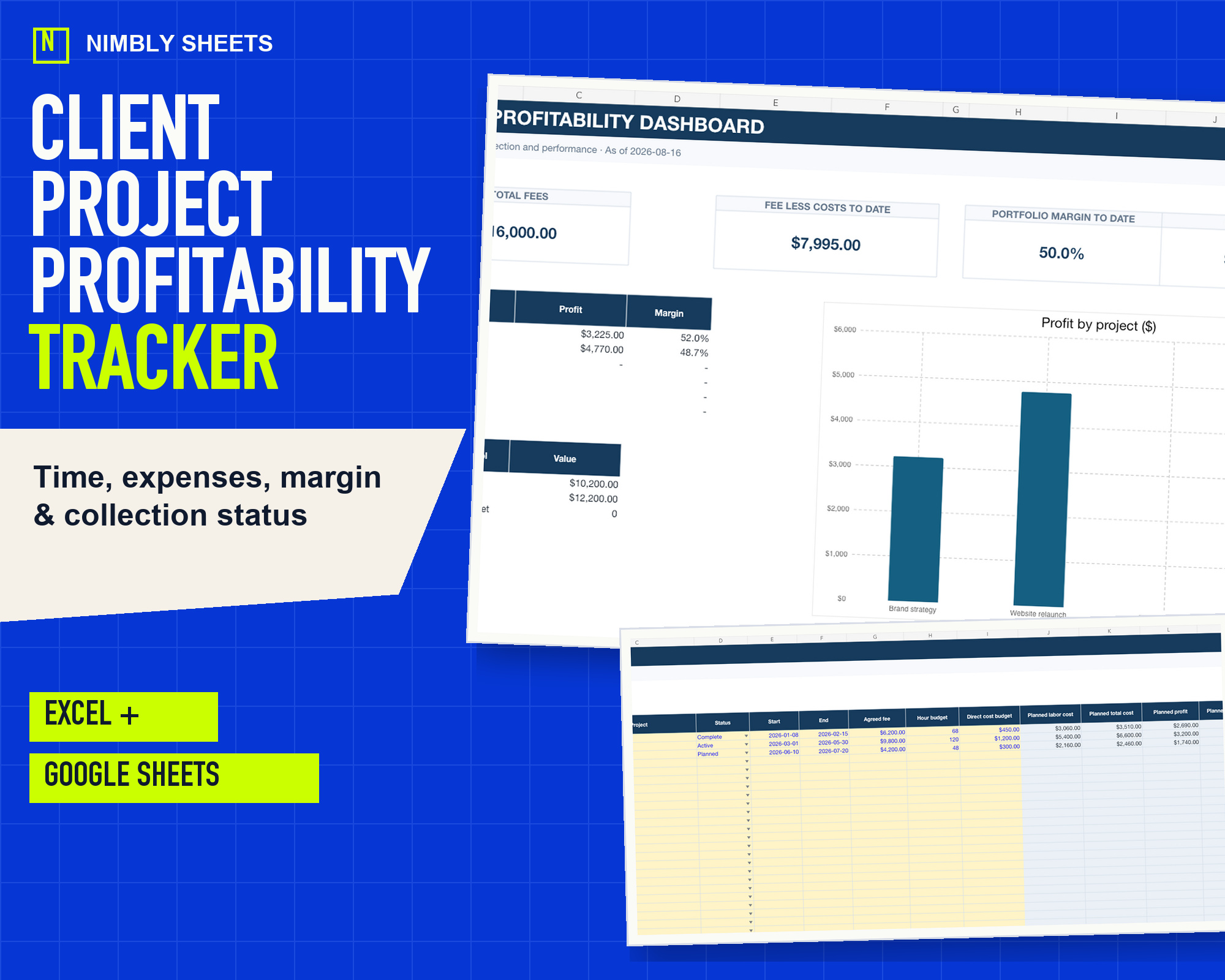
WHAT IT RECORDS
A workbook organized around one defined set of records.
- 01Fixed-fee project ledger
- 02Time and labor cost
- 03Direct expense allocation
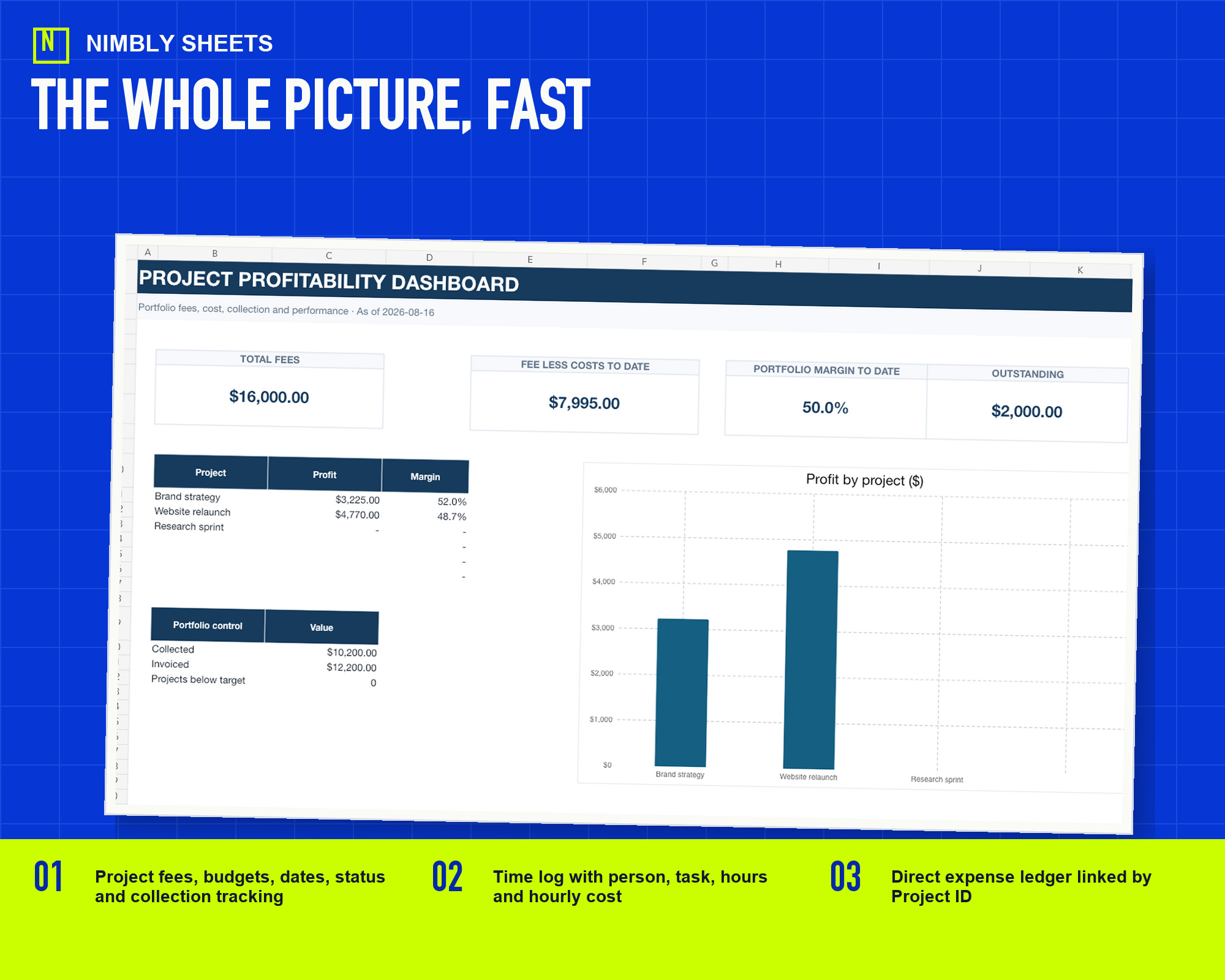
- 04Portfolio margin dashboard
SEE THE FILE BEFORE YOU BUY
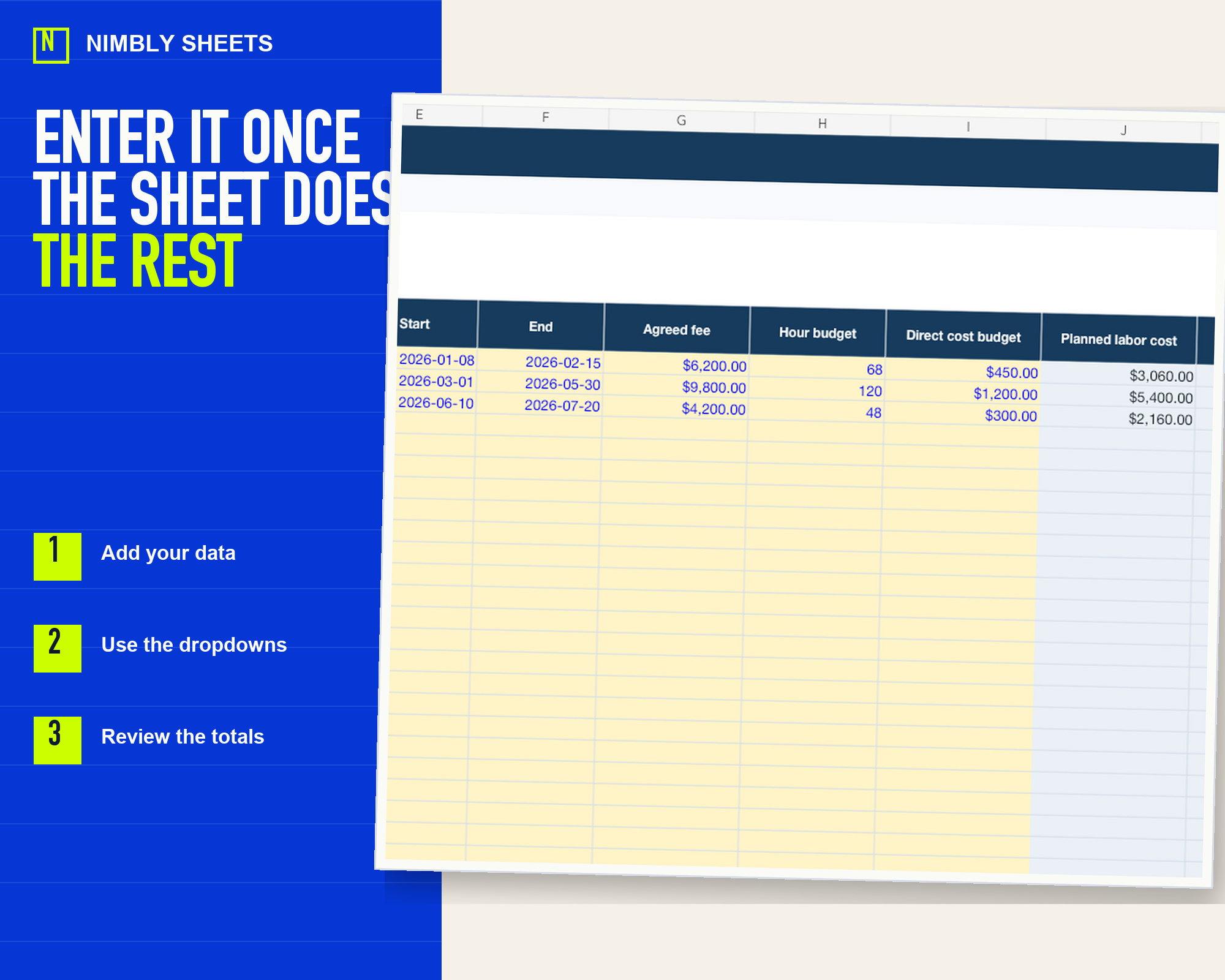
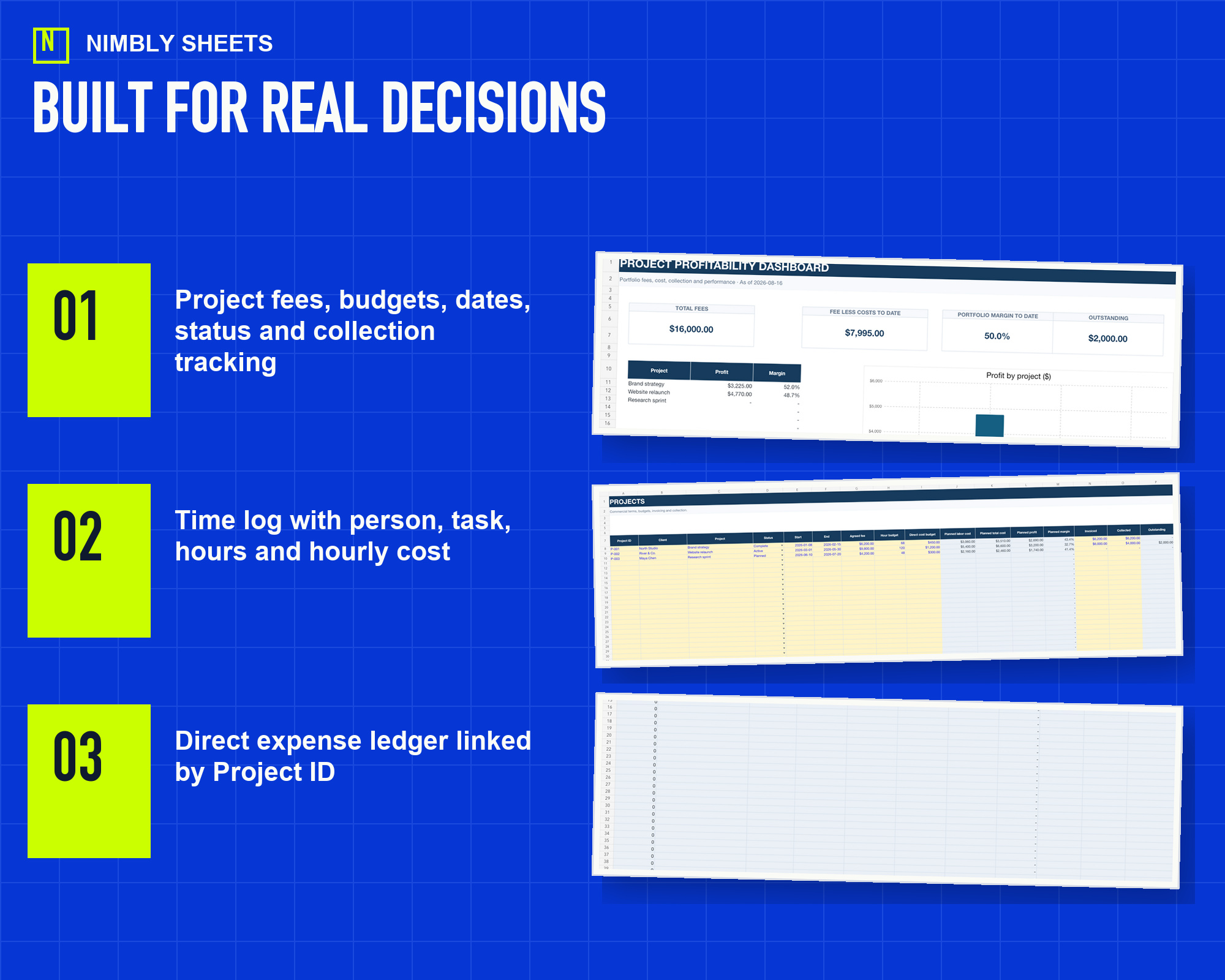
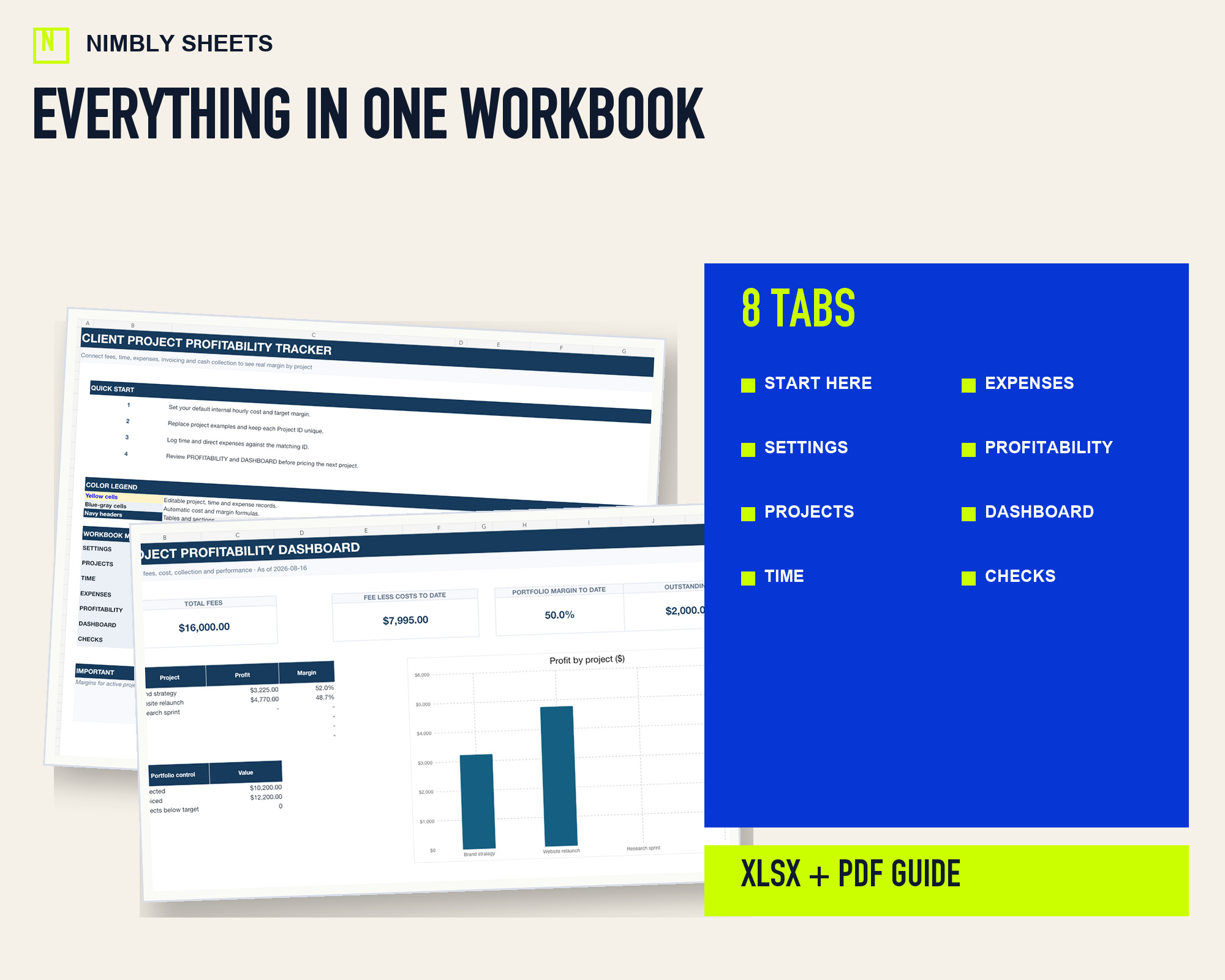
Real dashboard, inputs and features.
These images come from the delivered product. They are not a fabricated interface made for this page.
EXAMPLE USE CASES
Record-keeping contexts represented by the file.
- Freelancers and consultants
- Small agencies and service businesses
- Fixed-fee and project-based client work
INSIDE THE WORKBOOK
What the template includes.
- Fees, budgets, dates, status and collection tracking
- Time log by person, task and hourly cost
- Direct expenses linked by Project ID
- Labor cost, total cost, profit and margin
- Outstanding fees and project comparison
- Duplicate, orphan and overcollection checks
FREE PRACTICAL GUIDE
How to track client project profitability in a spreadsheet
Connect project fees, internal labor cost and direct expenses to calculate profit, margin, budget variance and outstanding fees.
Read before you buyHOW IT WORKS
From example rows to your own numbers.
- 01
Create the project
Set fees, budget, dates, status and collection details.
- 02
Log time and costs
Attach hours and direct expenses to the correct Project ID.
- 03
Review before quoting
Compare margins and outstanding fees across the portfolio.
DELIVERY AND COMPATIBILITY
An editable file without another account.
You receive one macro-free .xlsx workbook and a PDF guide for importing it into Google Sheets. Minor visual differences may appear after import.
Internal management planning tool only. Hourly cost is an editable assumption, and active-project margins remain interim until all time and expenses are recorded.
QUESTIONS BEFORE BUYING
Clear delivery, use and limits.
What do I receive after purchase?
One editable .xlsx workbook and a short PDF guide. Gumroad delivers the download immediately after payment.
Does it work in Google Sheets?
Yes. You can import the .xlsx file into Google Sheets. Minor visual differences may appear after import.
Do I need a subscription?
No. This is a one-time purchase for personal use or one business. Resale, sharing and redistribution are not permitted.
Can I request a refund?
The policy allows refund requests for 14 days through Gumroad. Mandatory consumer rights remain unaffected.
Does it replace professional advice or file taxes?
No. The workbook supports organization, calculation and planning. It does not file taxes or replace tax, accounting, legal or financial advice.
Client Project Profitability Tracker
Review the contents and limitations before downloading.
Payment, applicable taxes, delivery and a 14-day refund policy through Gumroad.