SYSTEM GUIDE · FREELANCER FINANCE
Pricing, bookkeeping and cash planning answer three different questions.
A freelancer finance system becomes unreliable when one total is expected to explain the price of future work, the profit from completed work and the cash available this month. A clearer setup keeps three workflows separate and reviews them in a deliberate sequence.
Core takeaway
Keep rate references, recorded project results and cash-allocation scenarios separate. The workbooks calculate from entered assumptions and do not recommend quotes, allocations or spending decisions.
1. Price future work from capacity and cost
Enter target income, business costs, working weeks, billable capacity and margin to create an internal rate reference. Keep that calculation separate from invoices and bank transactions.
2. Record completed work in the books
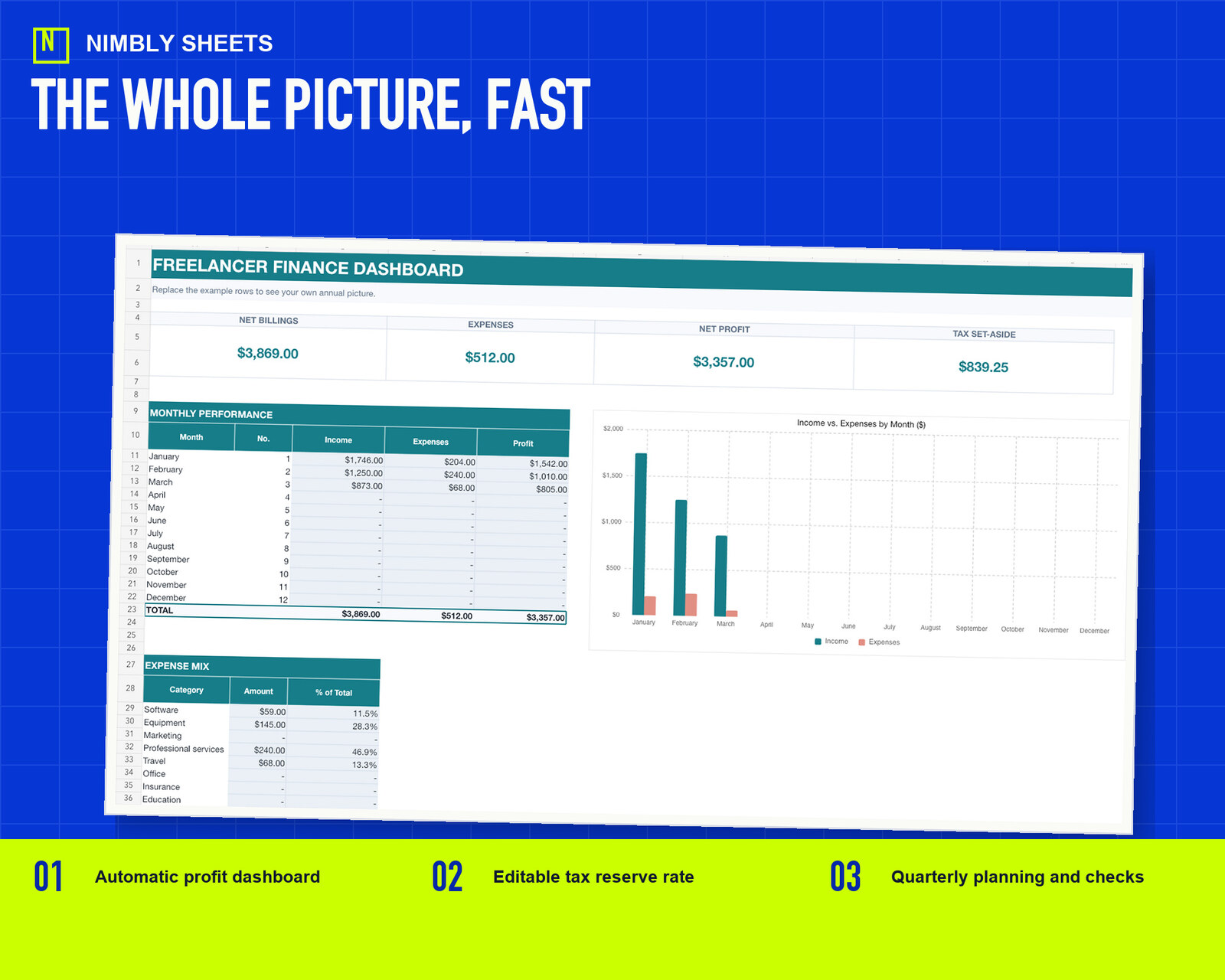
The bookkeeping workflow records income, fees and expenses with dates and references. Its dashboard reports the entered rows and does not replace the underlying record. Reconciliation remains a separate user-controlled step.
3. Allocate irregular cash after it arrives
The planning workbook keeps tax, savings, essential-cost and flexible-spending allocations separate from received income and unpaid invoices.
4. Use the monthly review to improve the next quote
Compare recorded results with the assumptions behind the rate reference. The workbook exposes differences but does not recommend changes to scope, utilization, price or delivery.
Educational organization and planning content only. It does not replace tax, legal, accounting, financial or technical advice where applicable.
WORKFLOW CHECKLIST
The complete routine in six steps.
- 01Enter an internal rate reference
- 02Model more than one capacity assumption
- 03Record income and expenses
- 04Reconcile the period
- 05Keep tax and savings allocations separate
- 06Compare recorded results with prior assumptions
APPLY THE METHOD
Use a workbook that already connects the steps.
The sale combines the workbook from this guide with two other editable workbooks, three Google Sheets import guides, and a start guide in one ZIP file.
Freelancer Finance Toolkit
FREQUENTLY ASKED QUESTIONS
Before you begin.
Can one workbook keep all three workflows?
It can contain separate sheets while keeping inputs and logic distinct. The toolkit does not overwrite quotes, recorded transactions or cash allocations across the workflows.
Does the toolkit calculate my final tax bill?
No. It provides editable planning reserves and organized records. Verify obligations with current rules and qualified advice.
Can I use the files in Google Sheets?
Yes. The toolkit includes import guides. Review formulas, validation and formatting after import.