PRACTICAL GUIDE · RESELLING
Sale price is not profit, and unsold stock is not revenue.
A reseller needs one row per item and a status that controls when sale calculations apply. Item-level records let you compare entered proceeds and direct costs by marketplace or category without treating the result as an accounting determination or commercial recommendation.
Core takeaway
Assign a SKU at purchase, keep stock and sold logic separate, record every direct cost and review aging alongside the calculated result.
1. Give every item a stable SKU
Create the SKU when the item enters inventory. Record purchase date, source, category, description, cost and intended marketplace. Do not use a listing title as the only identifier because titles change.
2. Separate inventory cost from sale results
The workbook keeps active-stock cost separate from sold revenue. Its net revenue, calculated result and result-share formulas run only after a row is marked sold and the required sale fields are complete; this is internal tracking logic, not accounting or tax treatment.
- Purchase cost
- Preparation or repair
- Sale price
- Marketplace and payment fees
- Shipping paid by seller
- Net revenue and calculated result
3. Calculate an item-level result consistently
The internal net-revenue formula subtracts entered selling fees and seller-paid shipping from entered sale proceeds. The calculated result then subtracts the full recorded item cost. Use the same formula across marketplaces when comparing those records.
4. Review aging and sell-through with margin
A positive result on a few old items can coexist with long holding periods. Track days held, active stock cost and sell-through beside the calculated result, then review those records separately before making a relisting, discount or purchasing decision.
Educational organization and planning content only. It does not replace tax, legal, accounting, financial or technical advice where applicable.
WORKFLOW CHECKLIST
The complete routine in six steps.
- 01Assign a SKU at purchase
- 02Record every acquisition cost
- 03Keep active and sold statuses explicit
- 04Enter fees and shipping after sale
- 05Review the calculated result by item and marketplace
- 06Flag aging inventory
APPLY THE METHOD
Use a workbook that already connects the steps.
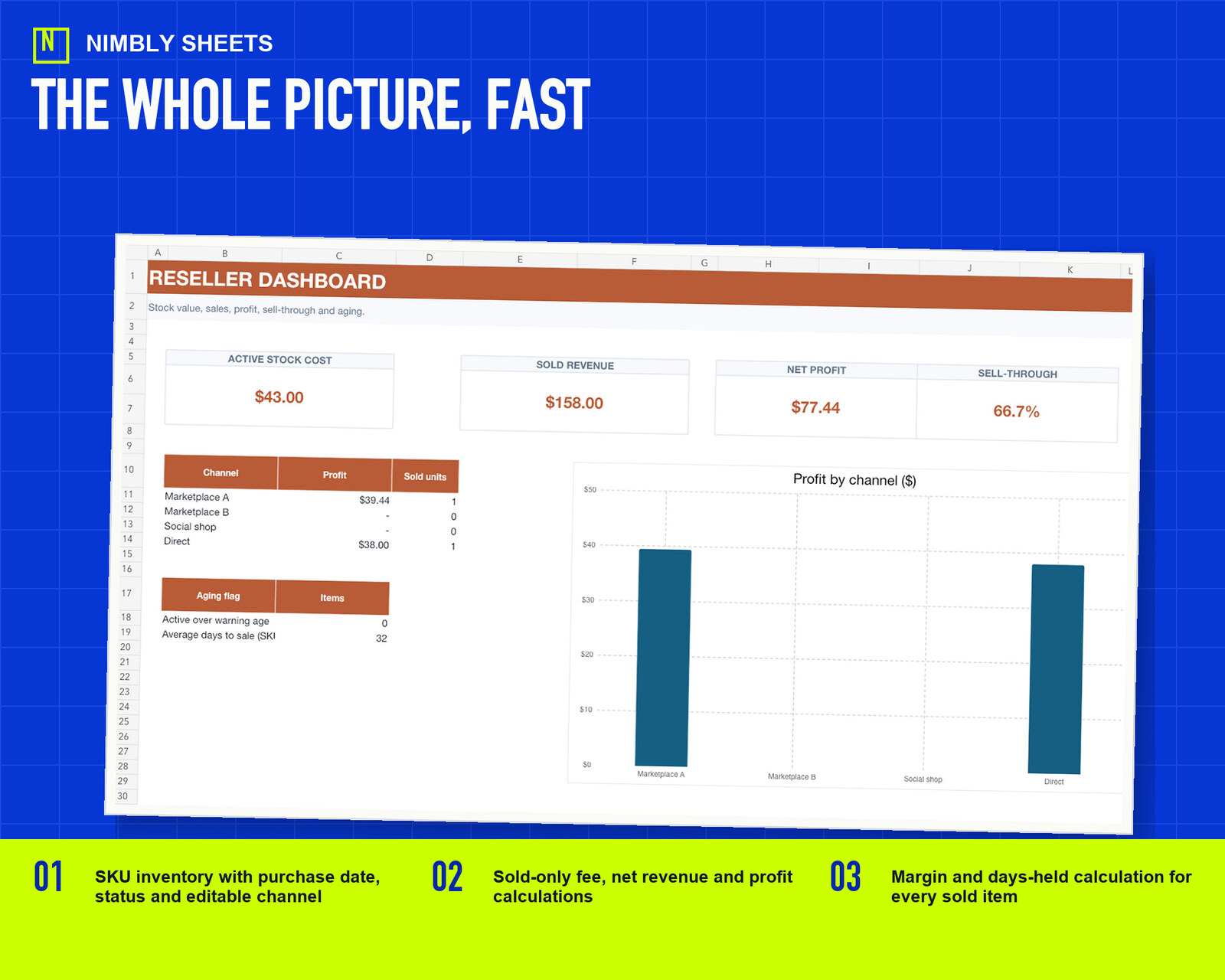
The template turns this method into editable inputs, checks and summaries with realistic example rows.
Reseller Inventory and Profit Tracker
FREQUENTLY ASKED QUESTIONS
Before you begin.
When does the workbook calculate sale fees?
Its formula runs when an item is marked sold and the required sale data is present. Marketplace rules can change, and the workbook does not verify the current fee schedule.
Does the workbook decide the accounting treatment of unsold stock?
No. Inventory and tax treatment depend on applicable rules. The workbook only keeps entered unsold cost separate from its sold-item calculation.
What is sell-through?
It compares items sold with the relevant stock pool over a defined period. State the period and method consistently when comparing results.